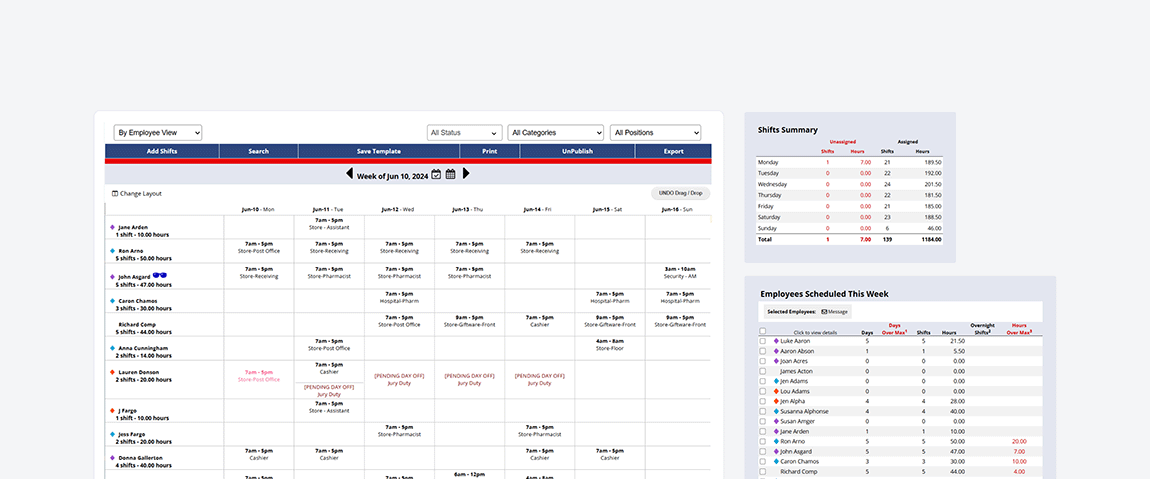
Scheduling That Keeps Up With Your Team
It’s everything you need to create and update schedules, without the usual headaches. Create schedules in minutes with built-in checks that help you prevent last-minute surprises.
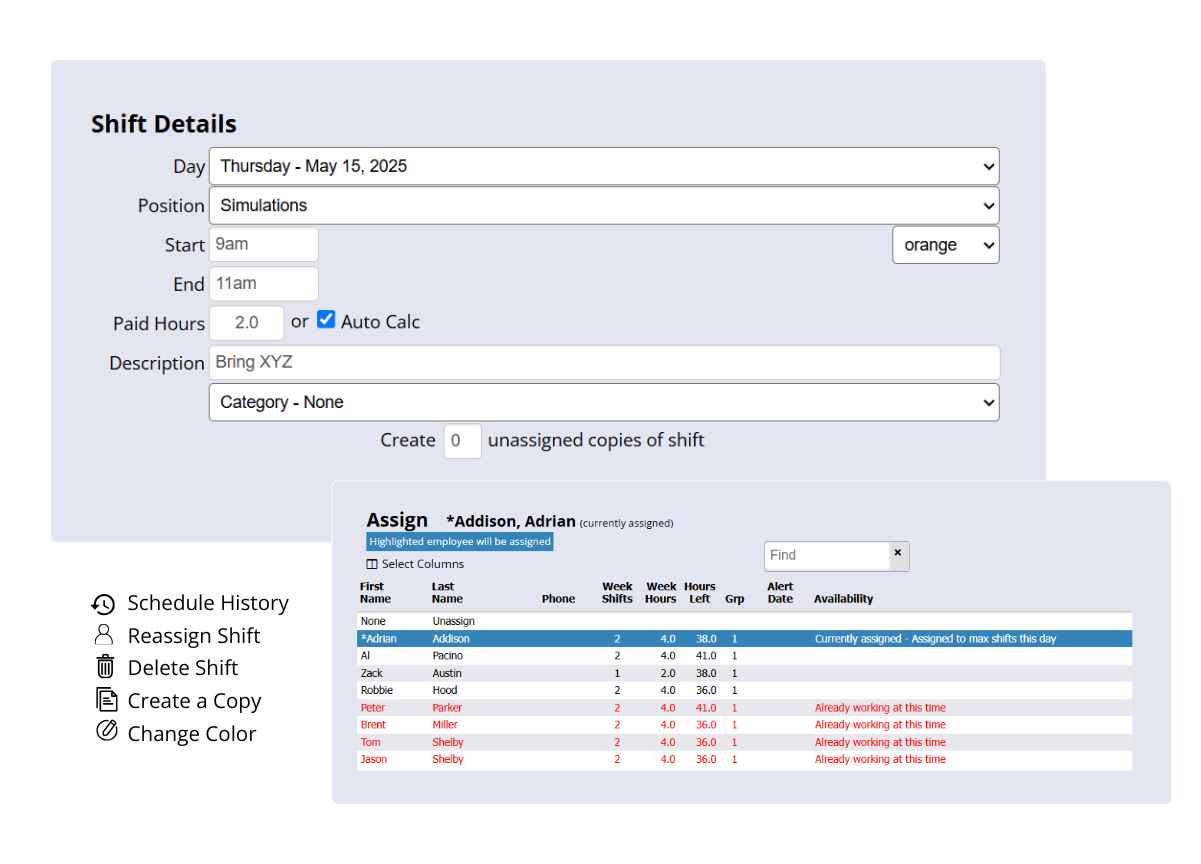
- Create schedules fast with drag-and-drop tools and templates.
- Avoid coverage gaps, overtime, and conflicts with scheduling rules and real-time tracking.
- Gain accountability to know who’s viewed their shifts and who’s made schedule changes.
Stay Informed, Wherever You Are
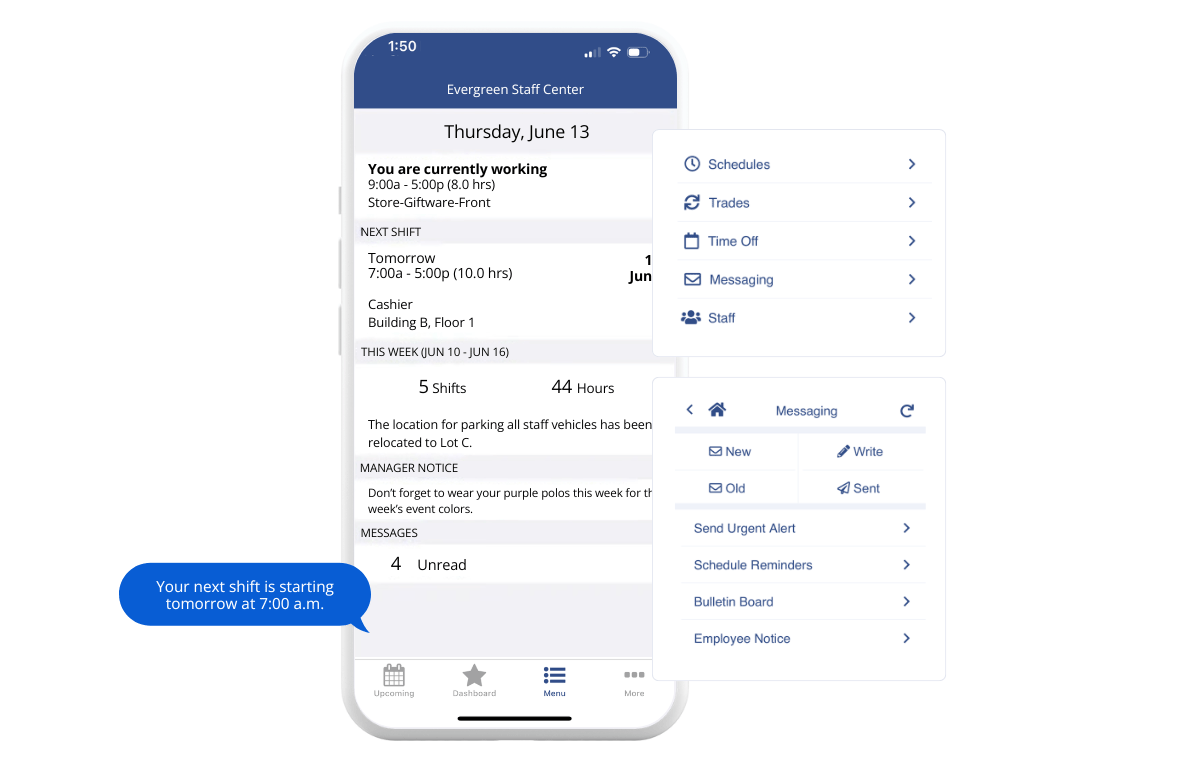
Real-time updates that keep your whole team in the loop. Whether you’re managing schedules or picking up a shift, access an up-to-date schedule from anywhere.
- Check and update schedules on any device with our mobile app.
- Get automated email, text, and app notifications for new shifts or changes.
- Let employees manage shift requests and trades without back-and-forth.
Build Schedules Your Team Wants
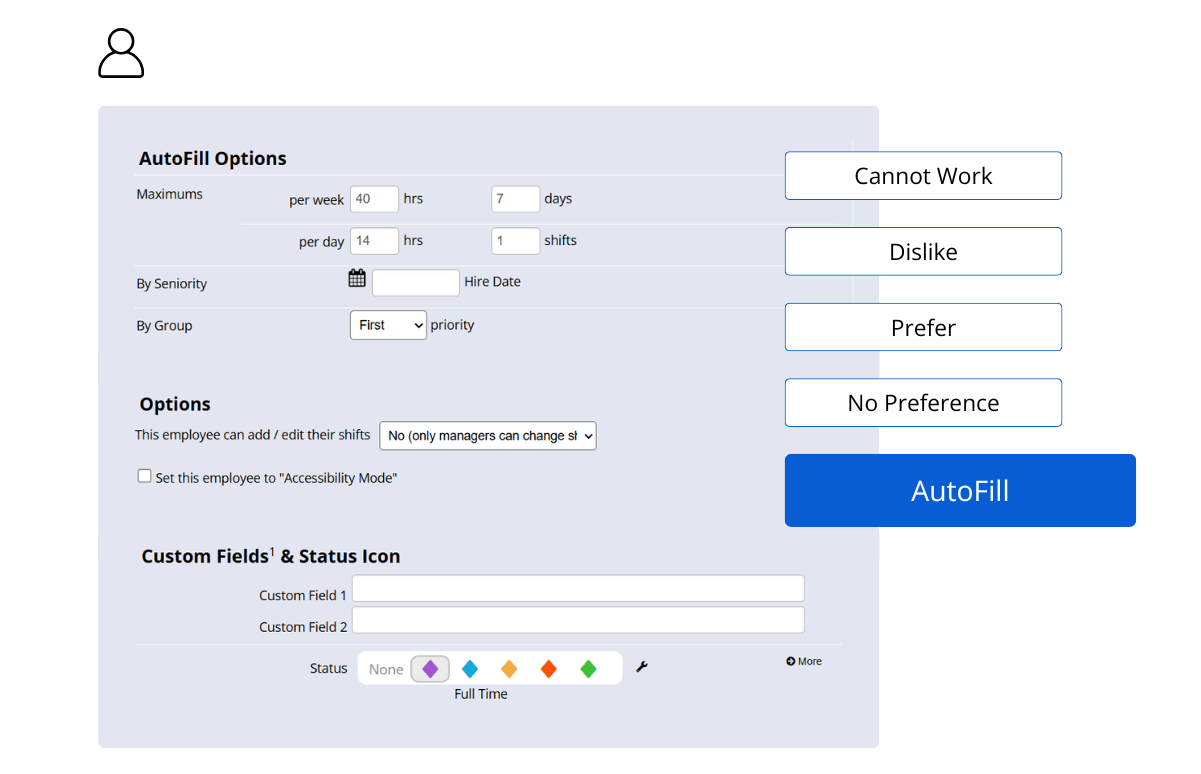
Use employee preferences, availability, and skills to build schedules that are fair, flexible, and easier to fill. AutoFill gets you there faster with the best schedule in just one click.
- Let employees set availability, preferred shifts, and positions.
- Fill open shifts faster with built-in preference matching.
- Use AutoFill to create conflict-free schedules that everyone will love.
Scheduling That Feels Instantly Familiar
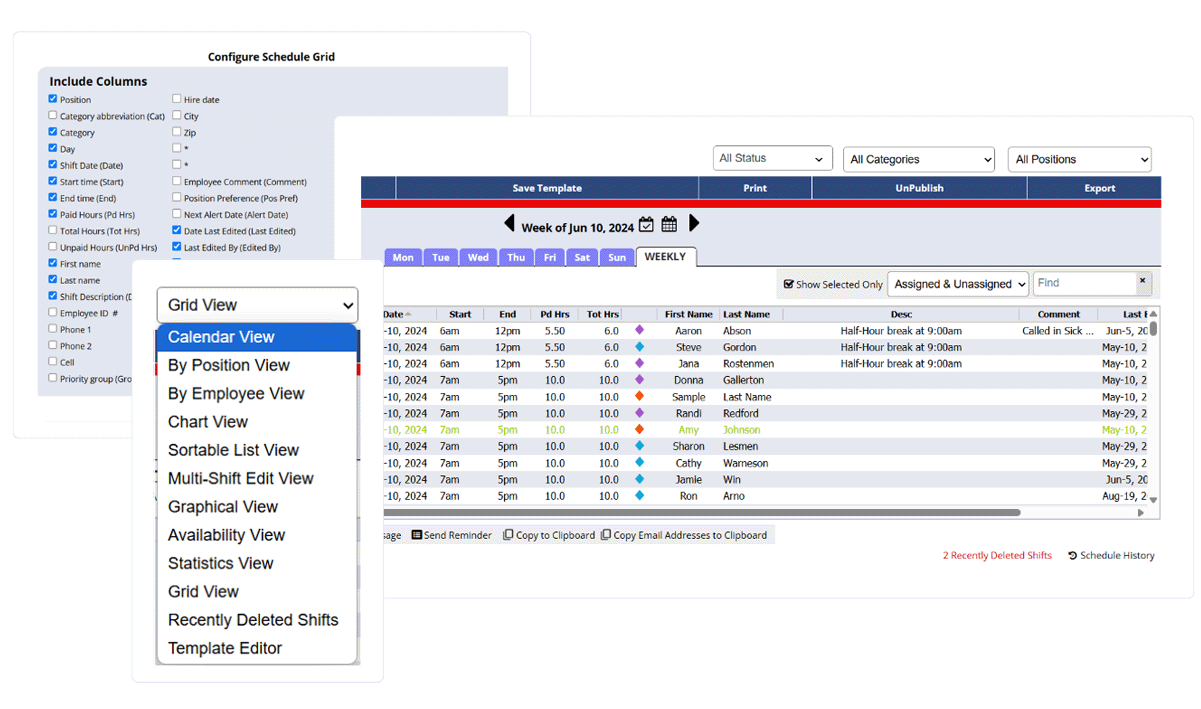
Whether you're used to spreadsheets or paper, WhenToWork feels intuitive from day one. With flexible layout options and multi-location scheduling, it works how you work.
- Choose from 12 different views, including calendar, grid, or spreadsheet-style.
- See all schedules together or filter by department, position, category, or employee.
- No training needed. Everyone can pick up how to use WhenToWork immediately.
Everything You Need, Nothing You Don’t
From shift trades to multi-location coordination, WhenToWork covers all the essentials. No learning curve. No headaches. Just refreshingly simple scheduling.
Don’t take our word for it. See what our customers have to say.